WCAG 2.2 Focus Indicators
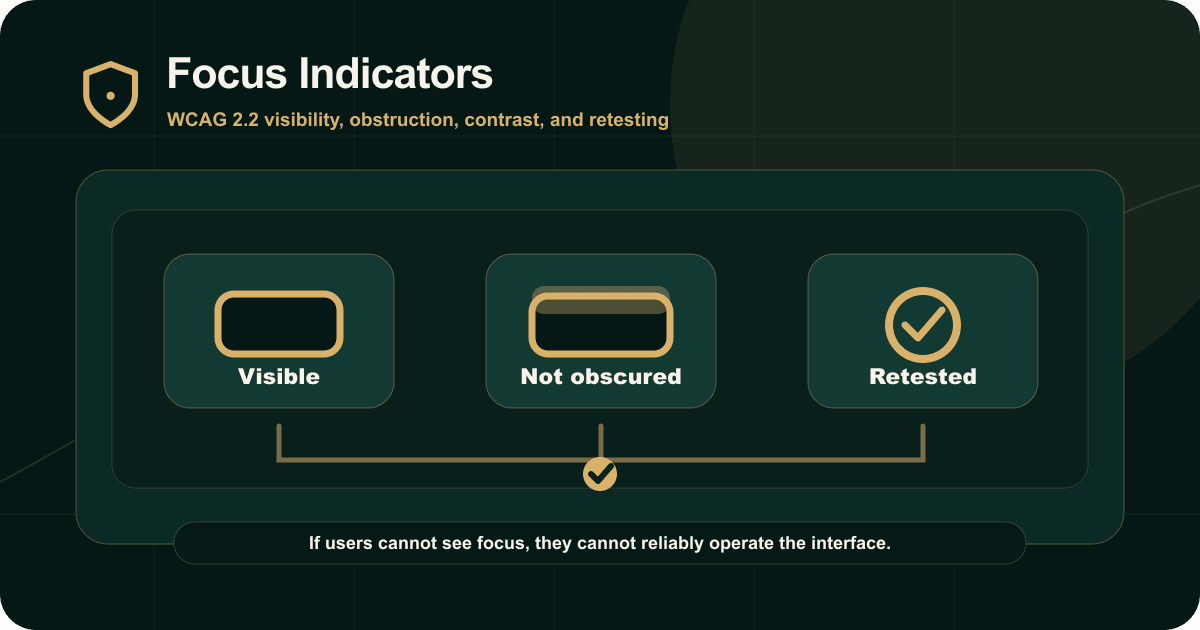
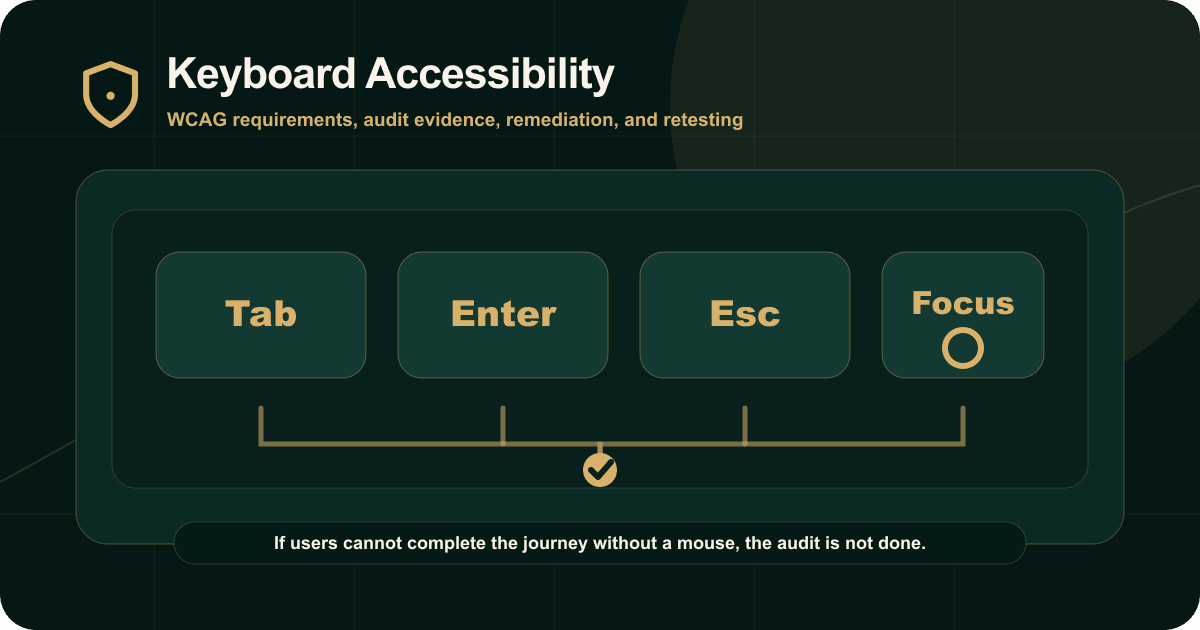
Focus indicators are the visible signal that shows which component has keyboard focus.
For keyboard users, this is essential.
What to test
Test:
Tab and Shift+Tab.
Focus visibility.
Focus order.
Sticky headers.
Cookie banners.
Modals and menus.
Responsive layouts.
Dark sections and image backgrounds.
Route changes and validation errors.
What usually fails
Common failures include removed outlines, faint focus rings, focus hidden behind sticky content, focus lost after modal close, focus moving offscreen, and hover styles without keyboard focus styles.
What evidence should include
Document the affected component, keyboard path, expected behavior, actual behavior, WCAG criterion, screenshot or recording, remediation guidance, and retest method.
Conclusion
Focus indicators should be visible, consistent, and not hidden by layout.
Read the original guide on IAAP Audit: https://iaapaudit.com/blog/focus-indicators-wcag-2-2