Accessible Video: Captions and Transcripts
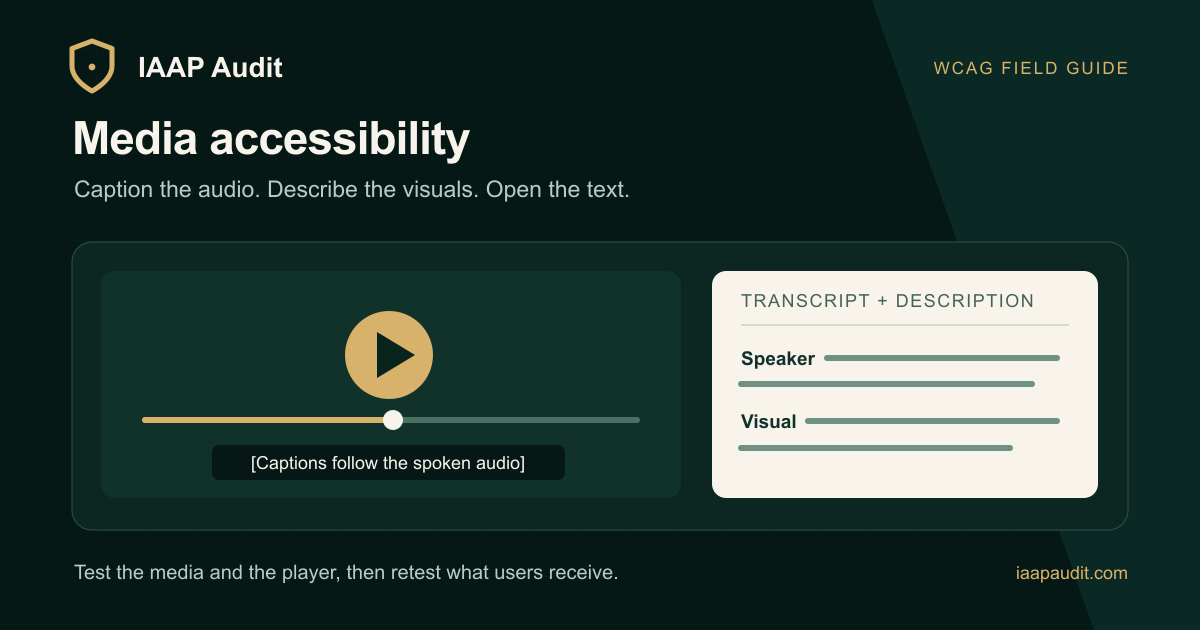
Your video component can render a valid track element and still fail users if the file is out of sync, the player hides its caption control, or a deployment points to an old track. Accessible media needs content review and integration testing together.
Start by recording what the media contains: speech, meaningful sounds, text shown only on screen, visual demonstrations, and interactive player controls. Then assign a delivery path for each part.
Build the content layers
For prerecorded video with audio, supply synchronized captions for the speech and sounds users need to understand. WebVTT is a common web caption format; the W3C captions guide explains its use. A separate transcript makes the content easier to read and find. If a transcript is intended to convey the whole video, include important visual information rather than exporting only the spoken lines.
When critical visuals are not described in the existing audio, plan audio description. At WCAG Level A, an equivalent media alternative can satisfy the relevant prerecorded synchronized-video criterion; at Level AA, audio description is the applicable requirement. Match the implementation to the media rather than applying one flag to every file.
Test the component as a state machine
The player's visible state and accessible state must agree. With only a keyboard, verify that users can:
Start and pause playback.
Reach the captions control and change its state.
Operate seeking and volume without losing focus.
Find an available description track or described version.
Return to the surrounding page without a keyboard trap.
Then inspect desktop and mobile layouts. Captions may be available but unreadable when they cover on-screen instructions or are clipped by custom controls. The W3C media-player guidance is useful when reviewing a player choice.
Keep alternatives in sync with releases
Store the track and transcript version alongside the media version. If a product demo is re-edited, retest the timestamps where speech, on-screen labels, or scene order changed. For embedded media, run the check in the final host page; a working source file is not proof that the user can access the published experience.
Document any failure with the file, timestamp, browser, control state, and what users lose. That gives content and engineering teams the evidence they need to fix different causes without guessing.
Read the original guide on IAAP Audit: https://iaapaudit.com/blog/captions-transcripts-media-accessibility
About the author
- IAAP Audit provides structured accessibility audit services for organizations that need evidence-led review of websites, web applications, mobile apps, PDFs, documents, design systems, and critical user journeys. Our audits are designed for compliance, procurement, governance, and remediation teams that need clear findings, standards mapping, severity grading, screenshots, selectors, remediation guidance, and retest evidence. Audit scopes can be mapped to WCAG 2.1 AA, WCAG 2.2 AA, IS 17802, GIGW, Section 508, and EN 301 549. We also support SEBI digital accessibility audit preparation, including C1 platform inventory, C3 initial audit reporting, C4 remediation/retest evidence, and report-ready documentation for agreed scopes. IAAP Audit works with financial services, SaaS, education, healthcare, e-commerce, public-sector vendors, and compliance-sensitive digital teams that need practical accessibility review without vague reporting. Our focus is simple: identify barriers, document evidence, prioritize risk, guide remediation, and help teams move toward more accessible digital services.
Comments
Join the discussionNo comments yet. Be the first to comment.