Read Accessibility Audit Reports
A practical guide to reading WCAG audit reports: scope, methodology, severity, evidence, remediation, retest status, and risk.
For product and engineering teams, an accessibility audit report is useful only if it can be turned into work.
The report should help you understand what was tested, what failed, why it matters, and how to fix it.
Start with context
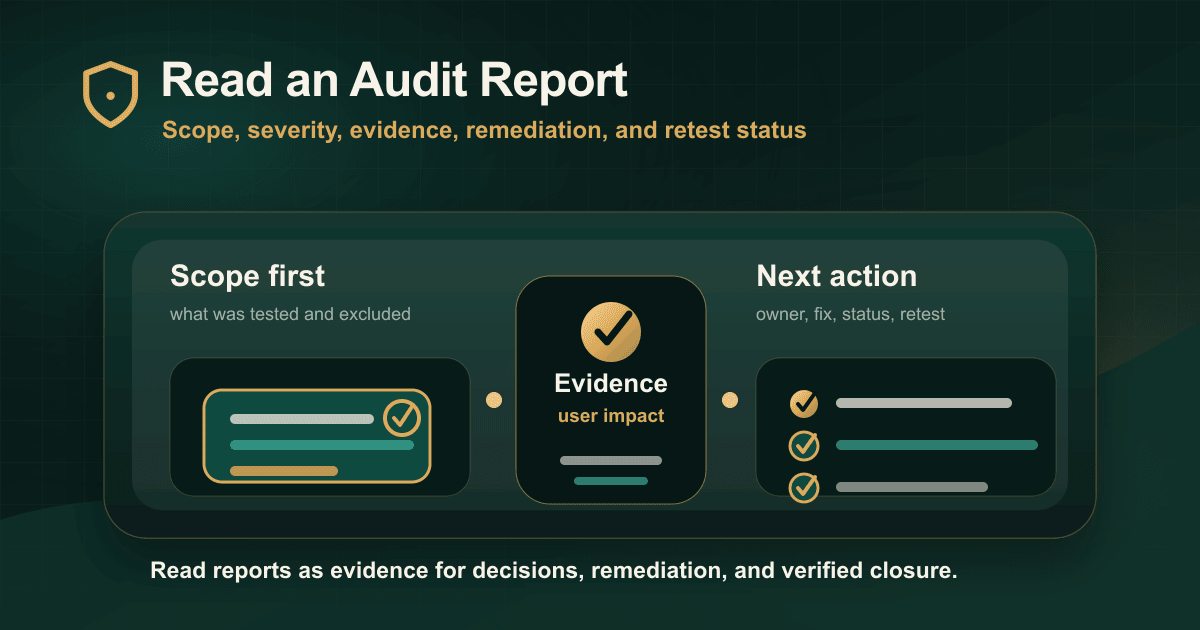
Before reading individual findings, check:
- Scope.
- Standards.
- Test environment.
- Methodology.
- Exclusions.
- Assistive technology coverage.
- Document coverage.
This tells you what the report actually supports.
Look at issue structure
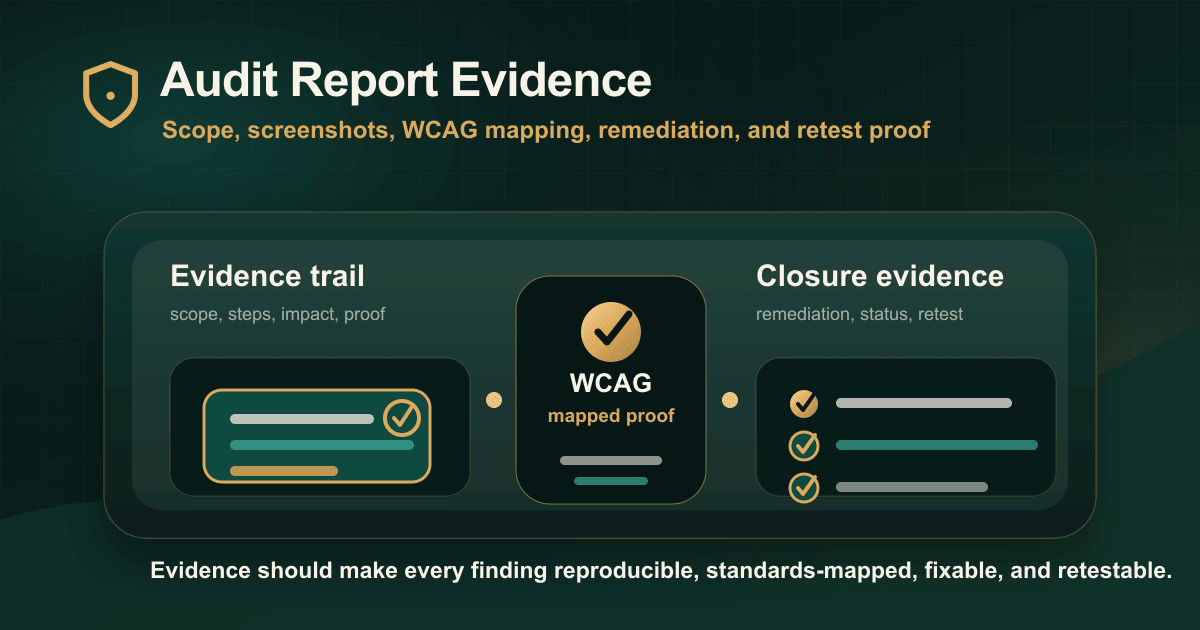
A useful issue should include:
- URL or screen.
- Component or workflow.
- Steps to reproduce.
- Expected behavior.
- Actual behavior.
- User impact.
- WCAG criterion.
- Severity.
- Fix direction.
- Retest status.
If this structure is missing, the team will need clarification before remediation.
Interpret severity carefully
Severity should relate to user impact and task importance.
A keyboard trap in a payment flow is more urgent than a minor issue on a low-traffic informational page.
Use severity with journey risk, not alone.
Identify root causes
Some findings are one-off content fixes. Others point to reusable component problems.
Look for patterns in:
- Forms.
- Modals.
- Menus.
- Tables.
- Alerts.
- Date pickers.
- PDFs.
- Design-system components.
Fixing the pattern is usually better than fixing pages one by one.
Use the report to plan retesting
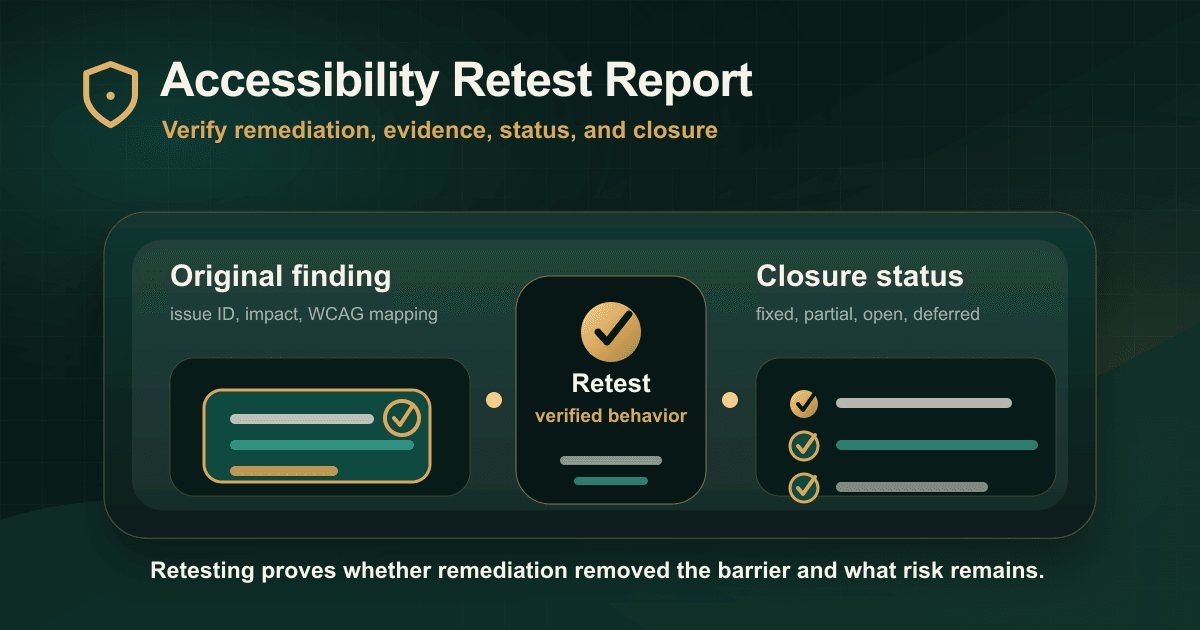
Every serious issue should have a retest path.
Retesting confirms whether the user-facing barrier is gone and whether the fix created any regressions.
Conclusion
Read the audit report like a remediation plan.
Scope tells you what the report covers. Evidence tells you what failed. Severity tells you what to prioritize. Retesting tells you whether the fix worked.
Read the original guide on IAAP Audit: https://iaapaudit.com/blog/how-to-read-accessibility-audit-report