Screen Reader Testing Checklist
A practical screen reader testing checklist for WCAG audits, forms, ARIA, dynamic updates, evidence, and retesting." suggested_slug: "screen-reader-testing-checklist

Screen reader testing becomes useful when it is treated like a workflow test, not a quick audio review.
For developers and product teams, the goal is to understand what assistive technology users can perceive, navigate, operate, and recover from.
Test the page map first
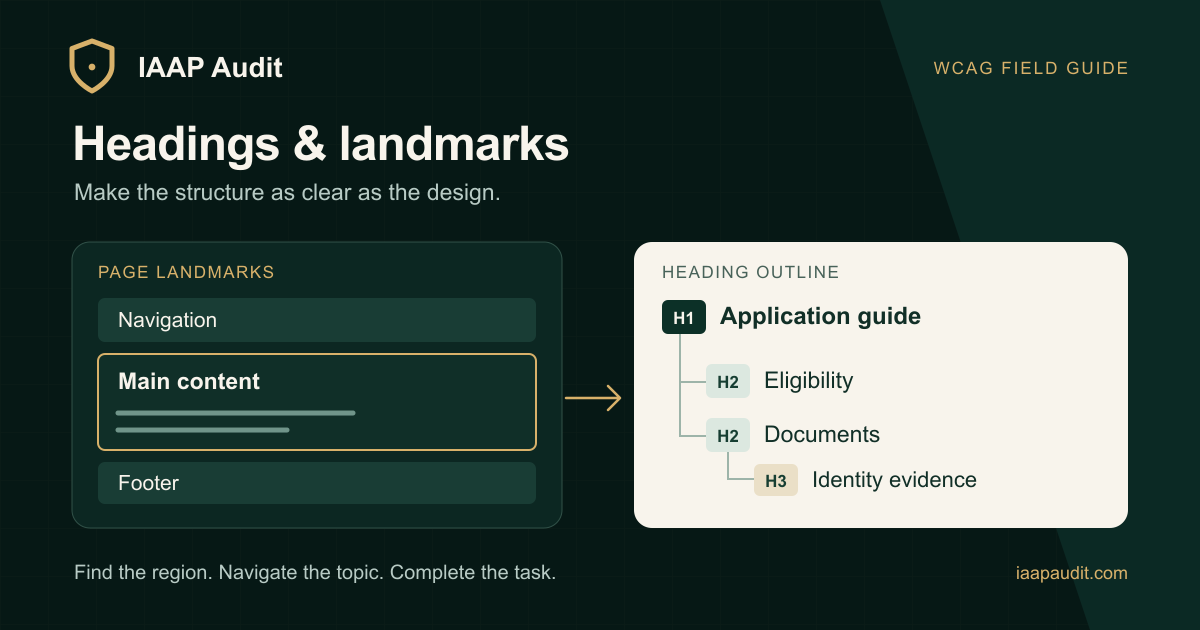
Before testing individual controls, check whether the page gives users a clear map.
Review:
- Page title.
- Heading order.
- Landmarks.
- Main content region.
- Navigation structure.
- Link list.
- Form controls.
If the structure is weak, users may struggle before they even reach the main task.
Check accessible names and roles
Controls need useful names and accurate roles.
Common failures include:
- Icon buttons without labels.
- Links named only "click here" or "read more".
- Divs acting like buttons.
- Buttons with mismatched visible and accessible labels.
- Custom widgets exposing the wrong role.
- ARIA hiding meaningful content.
Native HTML usually reduces risk. ARIA should support semantics, not hide broken implementation.
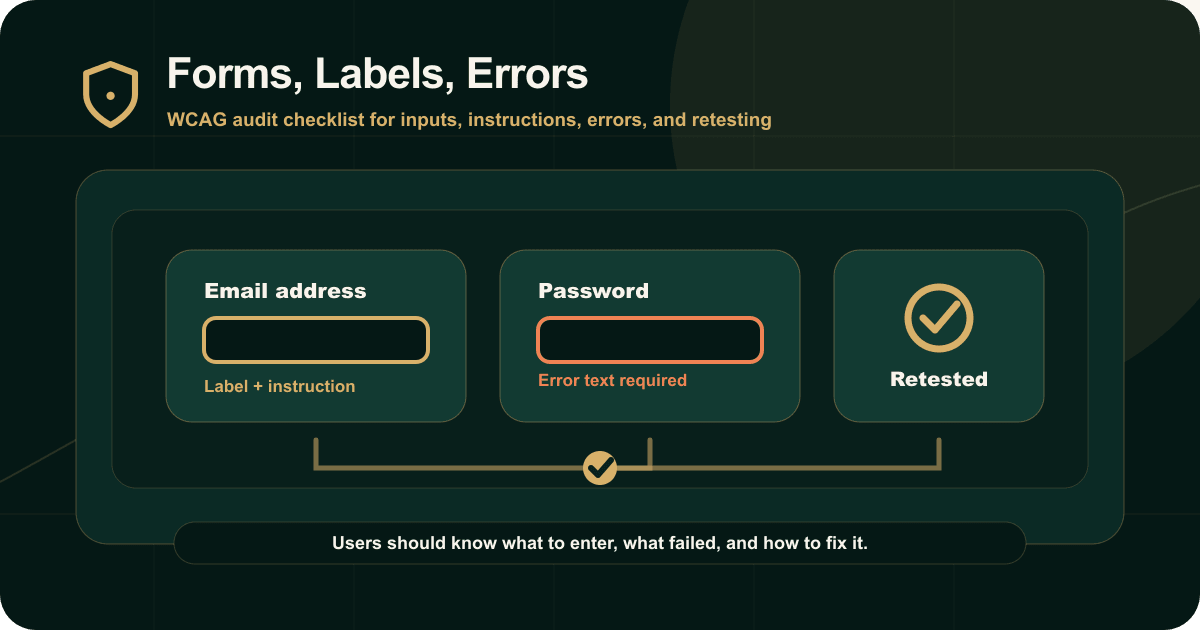
Test forms with errors
A form is not accessible only because fields are focusable.
Check whether:
- Fields have labels.
- Help text is associated.
- Required state is announced.
- Errors are connected to fields.
- Focus helps the user recover.
- Confirmation messages are available.
- Multi-step forms preserve context.
Use realistic invalid data to trigger real states.
Test dynamic updates
Single-page apps and dashboards often fail here.
Test:
- Search result updates.
- Filter changes.
- Save confirmations.
- Upload progress.
- Cart changes.
- Error banners.
- Toast messages.
- Loading states.
Important updates should be available to assistive technology without overwhelming the user.
Document the test environment
Screen reader behavior can vary by browser, operating system, and assistive technology combination.
Audit evidence should include the test combination and reproduction steps so teams can retest correctly.
Conclusion
Good screen reader testing produces actionable evidence. It shows what the user heard, what was missing, why it mattered, and how the issue should be fixed.
That is what makes the audit useful after the report is delivered.
Read the original guide on IAAP Audit: https://iaapaudit.com/blog/screen-reader-testing-checklist-accessibility-audits