Accessibility Severity Levels
A practical guide to audit severity levels for developers and remediation teams: critical, high, medium, low, advisory, and retest priority.
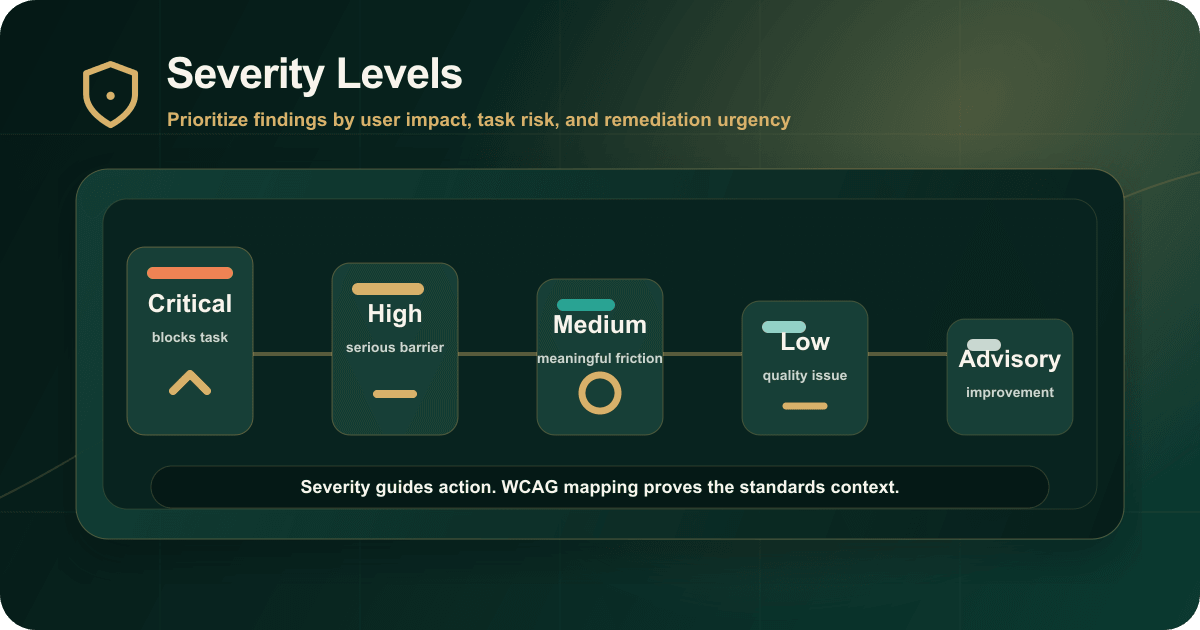
When accessibility findings reach engineering or remediation teams, the first question is usually: what needs to be fixed first?
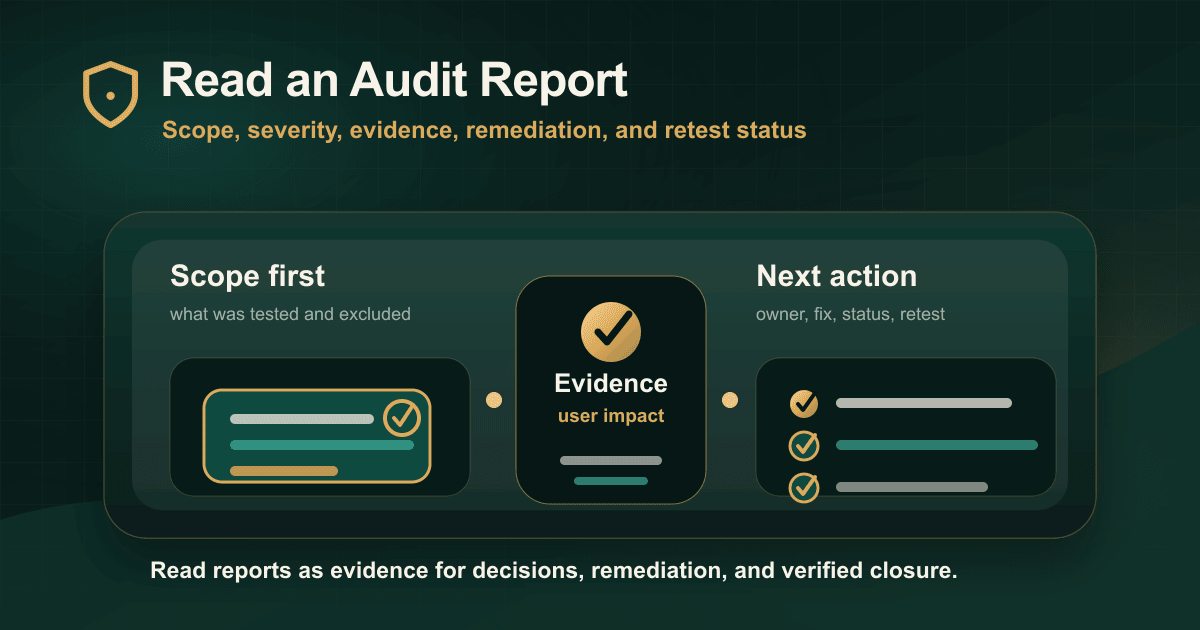
Severity should answer that question. It should convert audit evidence into a practical order of work.
Do not confuse WCAG level with severity
WCAG uses A, AA, and AAA conformance levels. Audit severity often uses critical, high, medium, low, and advisory.
These are not the same system.
WCAG mapping tells you which requirement is involved. Severity tells you how urgent and risky the finding is in the actual product context.
What makes an issue critical?
Critical issues usually block essential tasks for one or more user groups.
Examples include:
- Keyboard users cannot escape a modal.
- A screen reader user cannot identify the submit button.
- A required form cannot be completed because labels or errors are inaccessible.
- A key PDF is not usable because reading order or structure is broken.
- There is no reasonable workaround for the affected task.
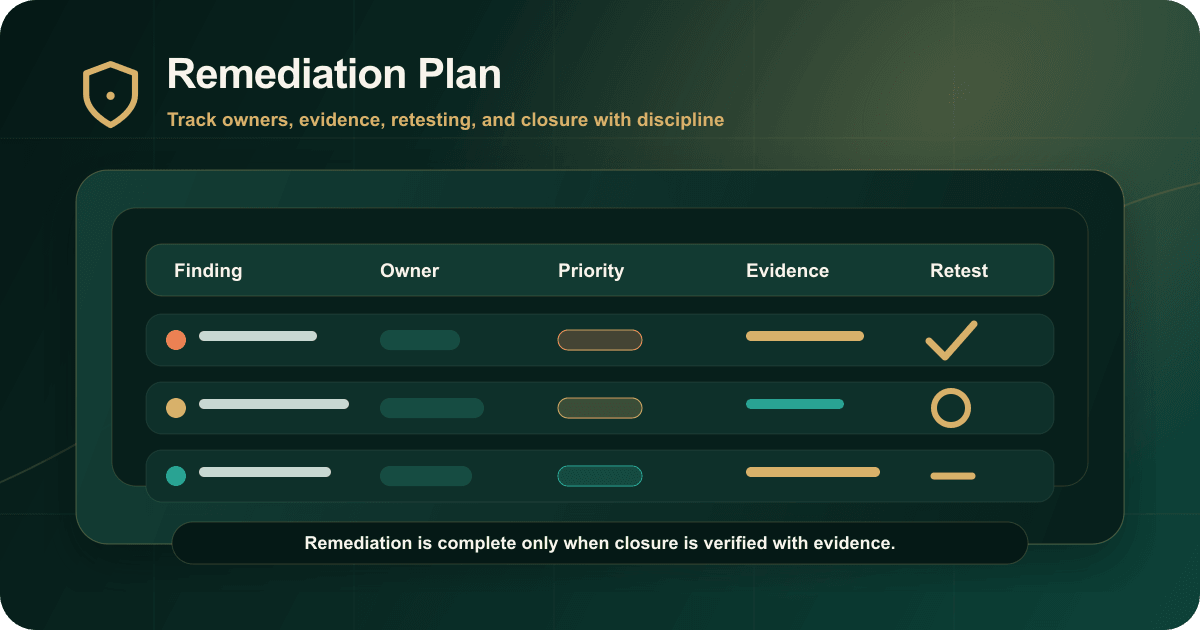
These issues need clear ownership, fast remediation, and manual retesting.
What makes an issue high?
High issues create serious barriers but may not block every instance of the task.
Examples include repeated focus-order problems, inaccessible form errors, unclear accessible names, contrast failures in important templates, or component-level issues that appear across the product.
High findings should normally be prioritized early because they affect important workflows or create repeated user impact.
Medium, low, and advisory findings
Medium findings create meaningful friction but may not fully prevent task completion. Low findings affect quality or consistency with limited immediate impact. Advisory findings document useful improvements, risks, or best-practice recommendations.
These labels should still be handled carefully. A medium issue in a critical workflow may deserve faster remediation than a high issue in a rarely used secondary page.
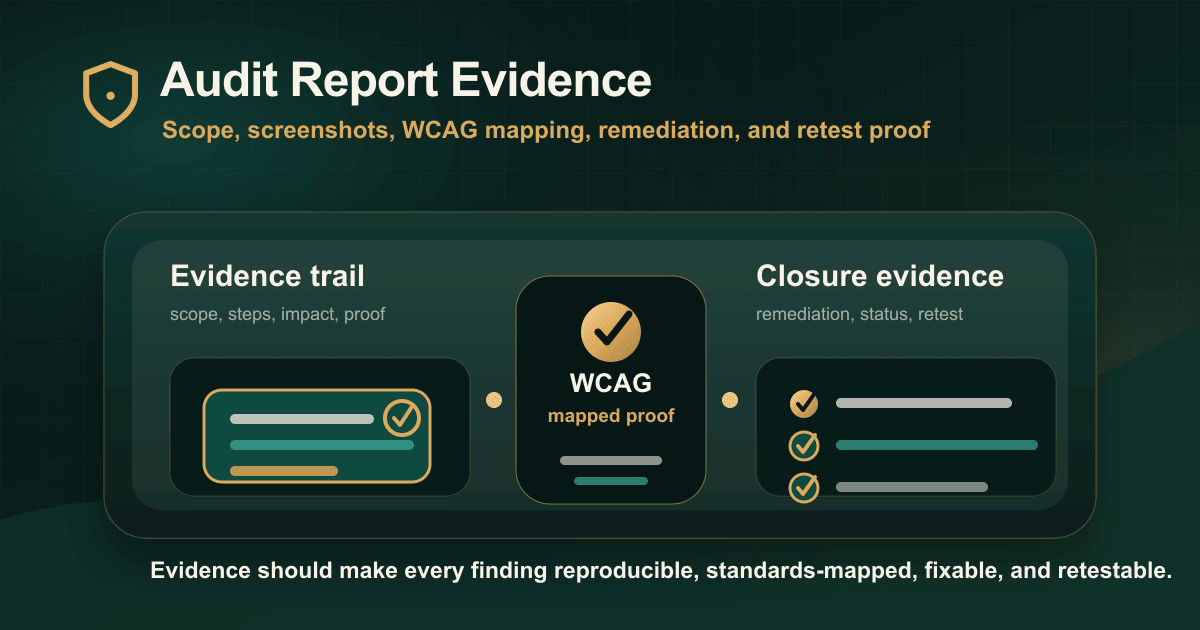
A useful severity decision uses evidence
Before assigning severity, review:
- Who is affected?
- Which task is affected?
- Is the issue repeated?
- Is there a workaround?
- What standard maps to the issue?
- What evidence proves the barrier?
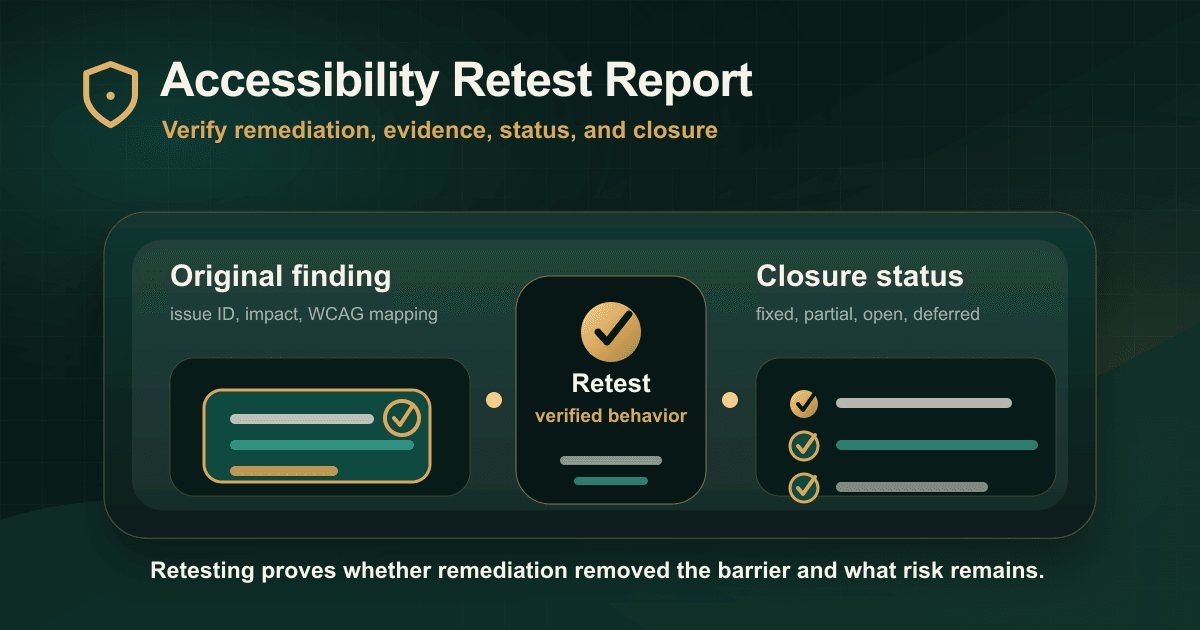
- What needs to be retested?
Severity should not be guessed from a tool score. Automated output can help identify signals, but human review is needed to understand user impact.
Conclusion
Severity levels are useful only when they make remediation clearer.
The best audit reports explain the severity model, apply it consistently, connect it to user impact, and use it to guide retesting after fixes.
Read the original guide on IAAP Audit: https://iaapaudit.com/blog/accessibility-audit-severity-levels-explained